
Added
New this week against a 3-week baseline.
Every finished week becomes a version. Open Sunday's report and see what moved, what held, and what deserves attention.
iOS 17+ · HealthKit optional · Free to start · No feed, no streaks
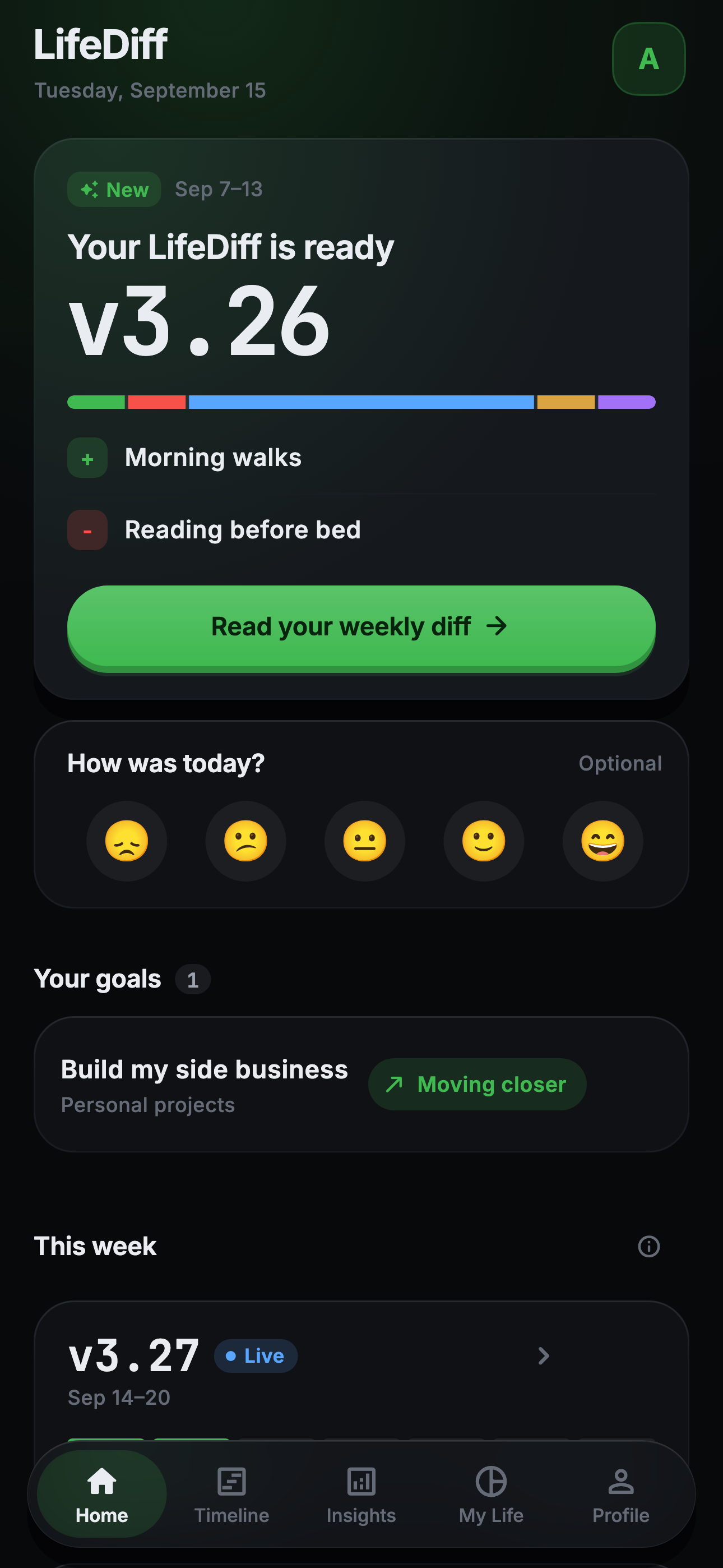
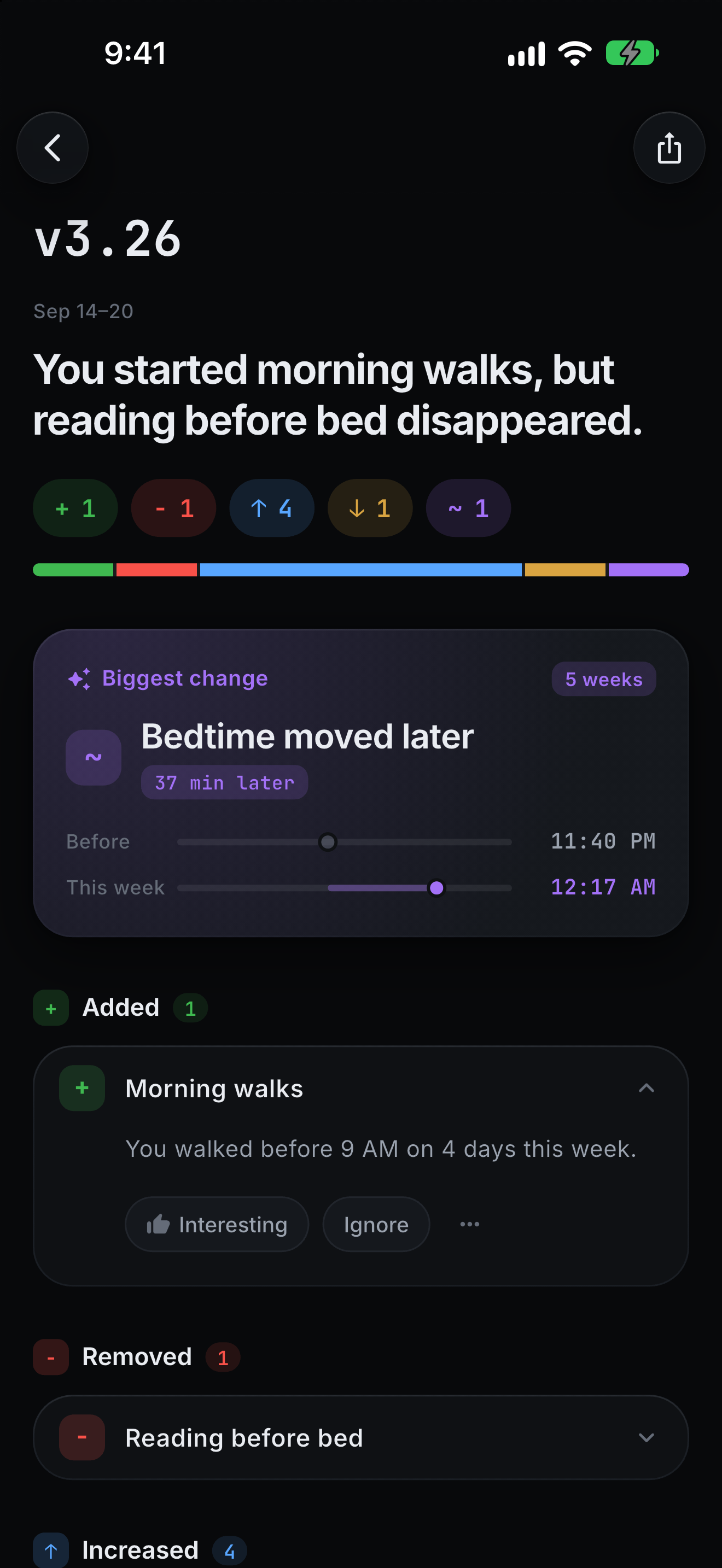
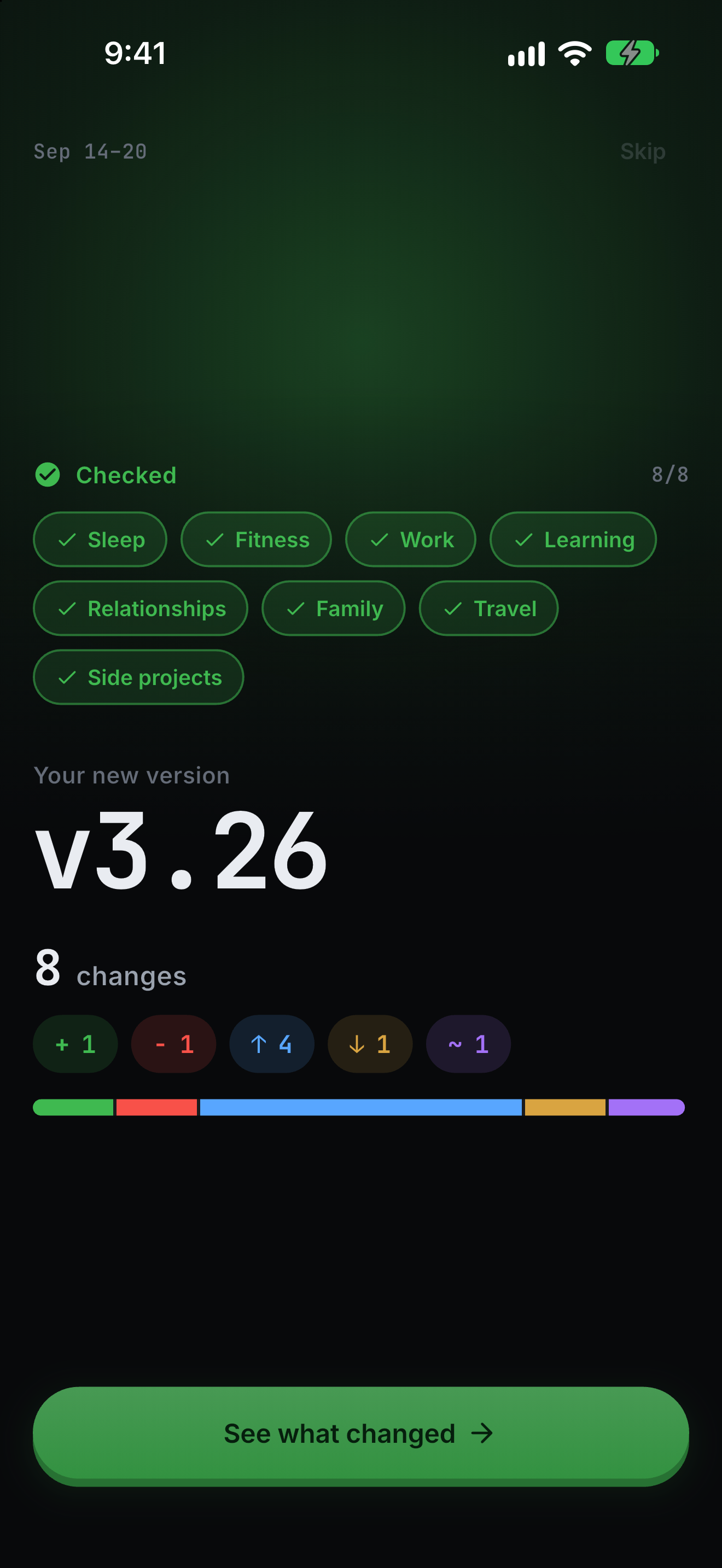
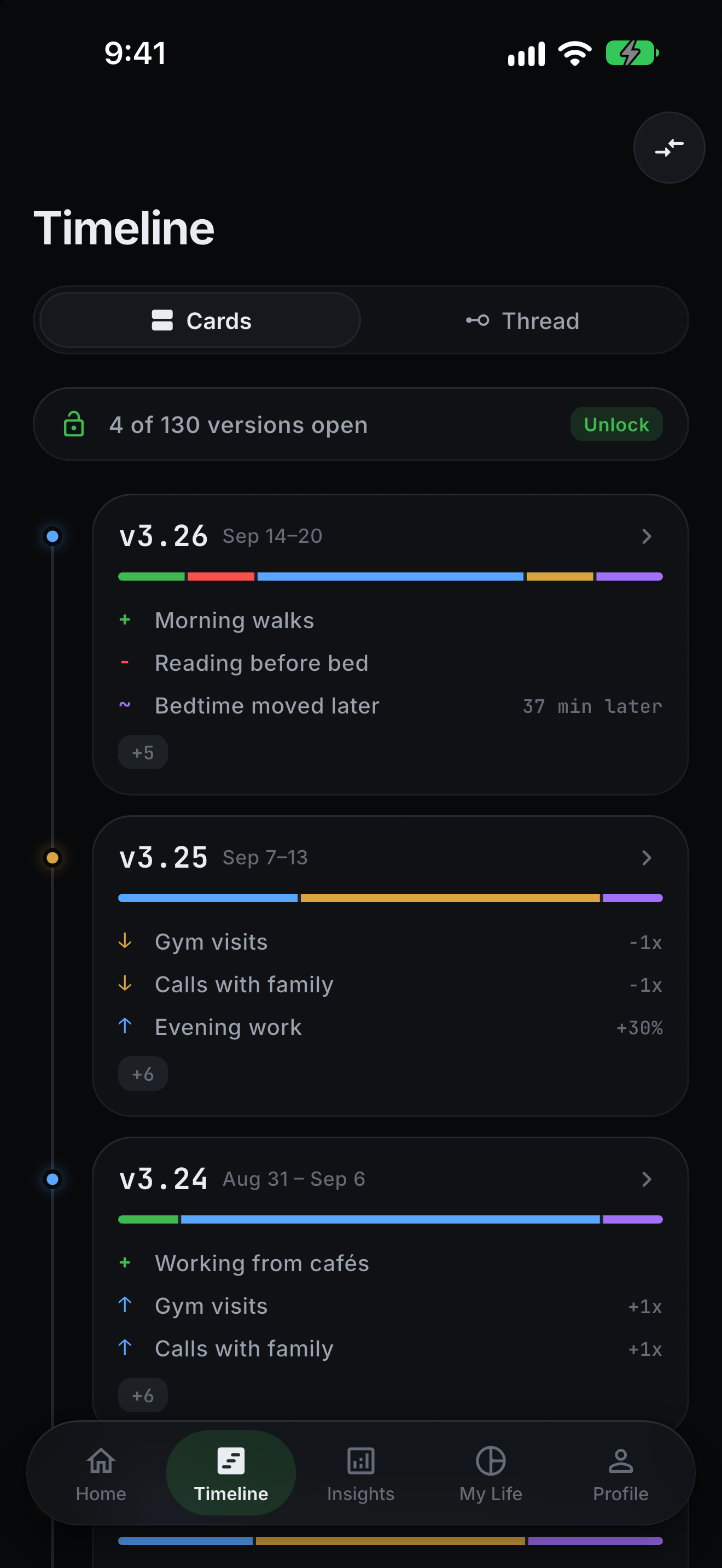
No mockups. These are actual renders from the app: home, the reveal moment, the report, the timeline, and insights. Drag or scroll sideways.
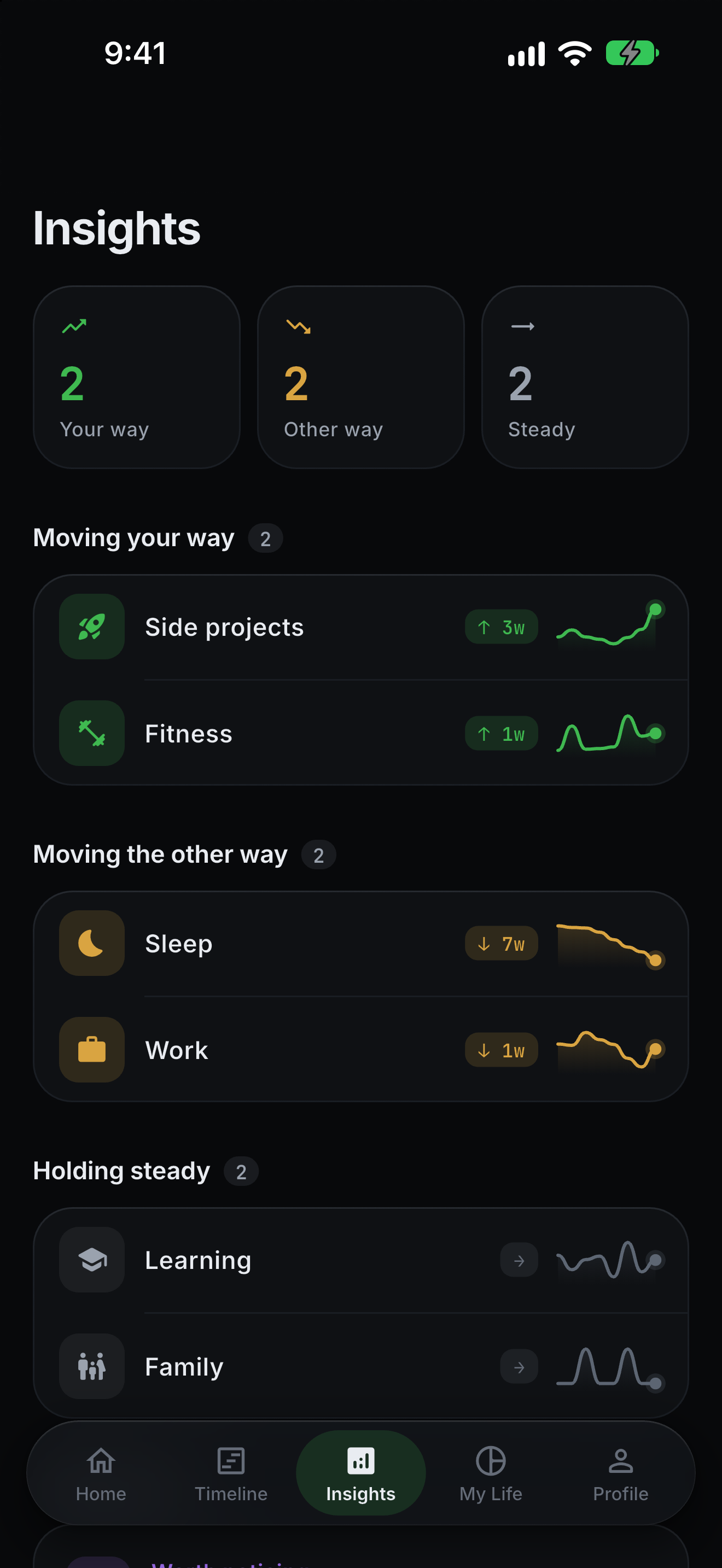
Increase is blue and decrease is amber because they are directions. Your chosen direction decides whether a trend reads as momentum or worth watching. Hover each card.
New this week against a 3-week baseline.
Gone for long enough to count.
Cleared the noise floor. Streaks build.
Same rule, opposite direction.
Bedtime and qualitative shifts.
Weekly diff calculations run 100% locally on your iPhone. Your cloud sync securely archives your history under your private anonymous account—with zero ad trackers, zero data selling, and zero profiling.
On your iPhone
Private Cloud Sync
Start free with zero friction. Upgrade to Pro whenever you want your whole history, comparison between any two versions, and the long-term patterns underneath them.
Everything you need to turn your finished week into an honest changelog.
Flexible month-to-month access to your full life changelog and deep momentum signals.
Continuous clarity all year round, at our best annual rate.
Clear answers about our diff algorithms, on-device privacy architecture, and how LifeDiff works with or without Apple Health.
Most health apps act as high-frequency daily compliance engines—pestering you to close rings, log water, or maintain arbitrary streaks. LifeDiff treats your life like a software codebase. Once a week on Sunday, it compiles your finished days against your rolling baselines and generates a clean version release (like v1.24). You see high-signal net changes without daily notification noise.
All metric analysis, baseline statistical calculations, and weekly changelog rendering execute strictly on your device's local CPU using local SQLite storage. For seamless backup across reinstalls, your weekly numbers, reflections, and check-ins are securely synced to your private Firebase account with anonymous authentication. Firebase also schedules your Sunday 8am notification. We never sell your data, never display ads, and our backend never reads your personal metrics to build advertising profiles.
LifeDiff celebrates quiet weeks! If your metrics remained within expected statistical baselines, your report cleanly notes ~ 0 changes detected and highlights your steady stability. We will never manufacture artificial drama, fake warnings, or clickbait insights to inflate engagement metrics.
Not at all. HealthKit integration is entirely optional. If you don't use Apple Health, LifeDiff effortlessly tracks manual Sunday check-ins, Screen Time, or custom daily ratings. A disconnected or denied data source contributes zero signal—never an artificial zero that corrupts your averages.
LifeDiff translates statistical deltas into five universal glyphs: + Added, - Removed, ↑ Increased, ↓ Decreased, and ~ Unchanged. Crucially, an increase is not assumed to be good. A rise in resting heart rate or screen time triggers an attention indicator, while a rise in sleep or outdoor walks is marked positive. You can customize directional preferences for any signal.
Yes. Every week can be shared as a card, and Pro opens the full set of share templates. File exports to Markdown, JSON or CSV are not in the app yet.
Week one has nothing to compare yet, and LifeDiff will tell you so honestly. Then v1.02 arrives.
Free to start · iOS first · Android later